Install IPTV on VLC#
IPTV is a repository that allows you to watch worldwide television on your local vlc machine. The GitHub repo is here:
https://github.com/iptv-org/iptv
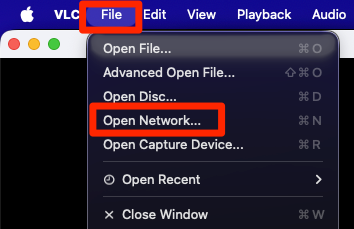
Open VLC and click on "File" > "Open Network".
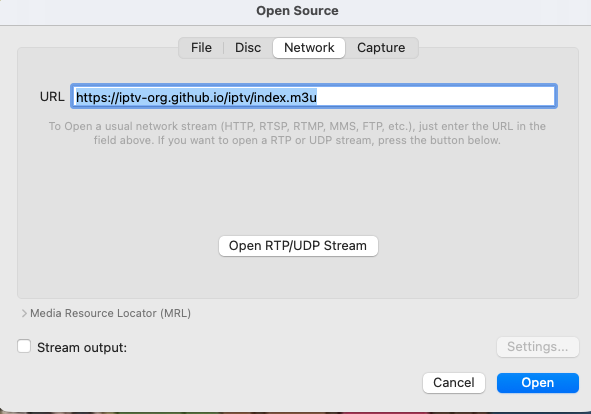
Paste the URL and then click on "Open".
https://iptv-org.github.io/iptv/index.m3u
A channel will start playing. To change to another station click on the 3 line burger menu.

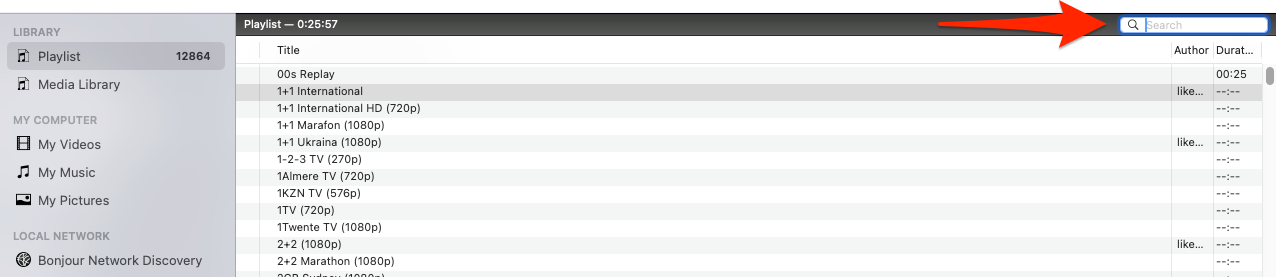
Now search the the channels you want to watch, or click on search and search for a channel.